

You didn't open a box to spend your evenings reconciling failed payments.
But here you are, comparing software again, because the last tool either couldn't track a WOD or charged you like it could. A CrossFit box is a specific animal, and the best CrossFit gym management software has to fit how a box actually runs.
You program daily workouts. You run class-based sessions with hard capacity limits, and your members care about their Fran time more than their billing date. The whole thing lives or dies on community, and general gym software treats all of that as an afterthought.
So here's the honest version.
I'll compare seven platforms CrossFit owners actually run, tell you what each one is genuinely built for, and flag the catch on every one. Full disclosure: this is the Gymdesk blog, and Gymdesk is one of the seven. I'll try to earn the top spot instead of assigning it to myself, and I'll show you the pricing math either way.
What CrossFit Box Software Has to Handle (and What It Costs)
Strip it back and a box needs the same operational core as any gym: booking, attendance, billing, memberships, point-of-sale, and facility access. Then it needs the CrossFit layer on top:
- WOD tracking and a digital whiteboard. Members want to log the workout, see the leaderboard, and beat last month's number. General gym software doesn't do this. Box software has to.
- Class scheduling with capacity caps. Sessions are coached, timed, and full. Waitlists and check-in have to be frictionless at 5:59 a.m.
- Programming delivery. Coaches push the day's WOD to the app; scaling options travel with it.
- Community. Comments, PRs, and the leaderboard are what keep members coming back.
Two things worth understanding before you compare prices:
- The card rate can cost more than the subscription. A free plan that charges 4.99% per transaction can cost a $10k/month box more than a paid plan at 2.75%. Read the processing rate next to the monthly fee, always.
- Tracker or full platform. Some tools on this list only do WOD tracking; others run the whole business. A box often pairs a management platform with a tracker, so know which one you're buying.
Here's how the seven compare.
KEY TAKEAWAY:
Compare on total cost, not the sticker price: subscription plus the card rate on your actual monthly revenue. A free plan at 4.99% per transaction can cost more than a paid plan at 2.75%. And decide up front whether you want one all-in-one system or a management platform paired with a WOD tracker.
The Platforms at a Glance
Software | Best for | Pricing from | The standout | The catch |
Gymdesk | Boxes that want the whole operation in one simple place | $75/mo | A-to-Z ops, flat member-count pricing, core modules included | Reporting is lighter than the specialists |
PushPress | CrossFit-native all-in-one with a free entry tier | Free / $159/mo | Purpose-built for boxes; strong app | Free tier's 4.99% card rate can cost more than a paid plan |
Wodify | Boxes that want deep WOD programming + performance data | ~$99/mo | The most mature CrossFit feature set | Some owners report price increases over time |
SugarWOD | WOD tracking members will actually use | Free for athletes | The athlete experience; 4.3/5 across 7,800+ ratings | It's a tracker, not full management |
BTWB | WOD tracking with Rogue pedigree, now all-in-one | ~$8/mo athlete | Official app of the Rogue Invitational | Newer to full gym management |
Zen Planner | Established or multi-location boxes | $99/mo | Mature, deep membership tooling | Modern features are paid add-ons; support complaints |
Mindbody | Boxes that also run wellness, spa, or retail | ~$79/mo | Huge consumer marketplace | Generalist, pricey, no real WOD tracking |
Now the detail on each.
1. Gymdesk: Best All-in-One for a Box That Wants Simple
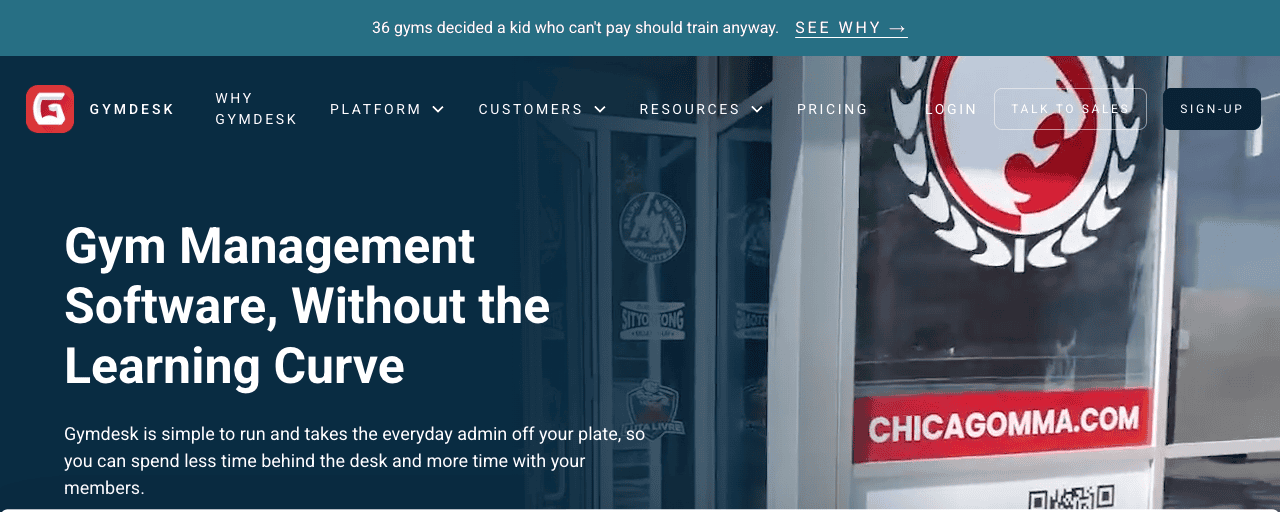
Gymdesk is CrossFit gym management software that runs your whole box from one place, without making you take a course to do it. Members, leads, billing, class booking, attendance, point-of-sale, facility access, and marketing all live under one login.
The thing owners mention most is that it's simple. Your 6 a.m. coach can run check-in without a manual, and the settings don't fight you.
What you get
- Flat pricing by active member count, with core modules included and no per-feature upsells
- Class scheduling with capacity limits and fast check-in (4-digit code, QR, or name search)
- Built-in WOD tracking so members can log workouts and see results
- Integrated billing and payment processing with automatic failed-payment retries
- Email marketing and automations, plus a member app (smart-lock door access is an optional add-on)
The good and the catch
Owners call it easy to learn and easy to run, and the support team gets named in reviews. The flat pricing means growing your box doesn't quietly inflate the bill.
Every core management module—billing, marketing, WOD tracking, scheduling, and a member app—is included at every tier, where competitors unbundle marketing and website. Optional add-ons exist too: a branded app, smart-lock hardware, and extra locations.
The catch: performance reporting is lighter than a specialist like Wodify, and if you want deep programming analytics, that's a gap to weigh.
Pricing: flat by active member count. $75/mo Micro (up to 50 members), $100/mo Small (51–100), $150/mo Medium (101–150), $200/mo Large (151–250), all with Gymdesk Payments. Past 250 members, you talk to us for a price. Use your own payment processor instead and it's $25 a month more ($40 on Large). Core modules are included at every tier.
Reviews: 4.8/5 on Capterra (148 reviews) · 4.8/5 on G2 (21 reviews)
2. PushPress: Best CrossFit-Native All-in-One
PushPress is purpose-built for independent gyms like CrossFit boxes, and it shows in the polish. The member app and the check-in flow feel made for a class-based gym. It's frequently recommended in CrossFit owner communities, and for a lot of boxes it's the default.
What you get
- A free Core tier that gets a new box running without a subscription
- Class scheduling, memberships, and a well-regarded member app
- Built-in WOD tracking and leaderboards
- Automated billing, retention tools, and a POS
- An add-on ecosystem for check-in kiosks and more
The good and the catch
The app and the box-specific workflows are the draw, and a free entry tier lowers the bar to start. Owners praise the value.
The catch is the pricing math. The free Core tier runs a 4.99% + $0.30 card rate, while Pro drops to 2.89% and Max to 2.75%.
On a $10k/month box, "free" can cost roughly $500/month in fees. That's against about $290 plus the $159 subscription on Pro, so the free plan can be the expensive one.
Feedback is mixed alongside its 4.7 Capterra score: some owners report bugs and support that responds without always resolving.
Pricing: free Core tier, $159/mo Pro, $229/mo Max, but weigh the card rate against the subscription (rates per PushPress's published pricing).
Reviews: 4.7/5 on Capterra (186 reviews). More detail in our honest PushPress review.
3. Wodify: Best for Deep WOD Programming and Performance Data

Wodify has the deepest, most mature CrossFit programming feature set on this list. If you want to build detailed programming, track benchmarks, and give athletes rich performance history, Wodify was built for that.
What you get
- Deep WOD programming and benchmark/performance tracking
- Class scheduling, memberships, billing, and a member app
- Performance analytics that go beyond a simple leaderboard
- Retention and engagement tooling
- Add-ons for websites and marketing
The good and the catch
For a box that treats programming as the product, the depth is hard to match, and members who love their numbers get a lot to chew on.
The catch: some owners report price increases over time, and it's a fuller, pricier platform than the trackers below.
Pricing: starts around $99/mo and rises with plan and locations.
Reviews: 4.5/5 on Capterra (154 reviews)
4. SugarWOD: Best WOD Tracking Members Will Actually Use

SugarWOD isn't a full management platform, and it doesn't pretend to be. It's the WOD-tracking app members love: free for athletes, and boxes pay a subscription to program and run their whiteboard through it. If member buy-in on tracking is your problem, this is the fix.
What you get
- A free, well-designed athlete app for logging workouts and PRs
- Coach programming delivery and a digital whiteboard
- Social features (fist bumps, comments, leaderboards) that drive daily use
- Benchmark tracking and history for athletes
The good and the catch
The athlete experience is the whole point, and it's the best-loved tracker in the category. Members open it without being asked.
The catch: it's a tracker, so you'll still need a management platform for billing, scheduling, and memberships. Budget for both, or pick an all-in-one that includes tracking.
Pricing: free for athletes; box subscription priced by membership size.
Reviews: 4.2/5 on Capterra (small sample); 4.3/5 across 7,800+ app-store ratings
5. BTWB (Beyond the Whiteboard): Best Tracker With Rogue Pedigree
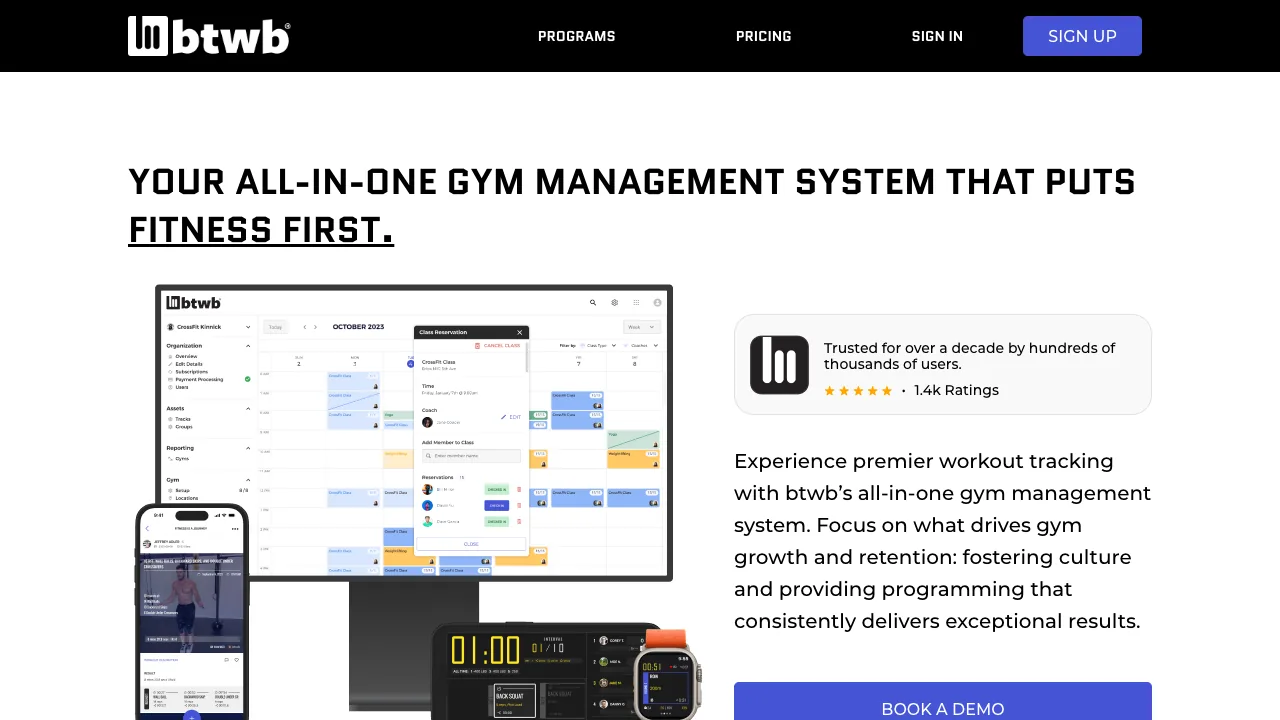
BTWB built its name as a serious workout tracker. It's the official app of the Rogue Invitational and has been trusted by boxes for years. It has since grown into an all-in-one gym management system, so it now spans both the tracking members want and the operations owners need.
What you get
- Deep workout tracking, benchmarks, and results history
- Class scheduling, membership management, and payments
- Programming tools and a digital whiteboard
- A polished athlete app with a large, loyal user base
The good and the catch
For a box that wants the tracking heritage members trust plus one system to run the business, BTWB now covers both, and the Rogue association carries weight in the community.
The catch: the full gym-management side is newer than its tracking roots, so weigh the operational features against the incumbents if billing and scheduling depth are your priority.
Pricing: about $8/mo for individual athletes; box/gym plans priced by size.
Reviews: 4.3/5 across 1,500+ app-store ratings
6. Zen Planner: Best for Established or Multi-Location Boxes

Zen Planner is a mature platform with deep membership and billing tooling, and it's a common pick for established boxes and multi-location operators who need that depth. It's been around a long time and the core product is capable.
What you get
- Deep membership management, billing, and reporting
- Class scheduling, attendance, and a member app
- Skill progression and benchmark tracking
- Marketing automation and a branded app (as add-ons)
The good and the catch
For a bigger or multi-location box that has outgrown a lighter tool, the depth and the reporting are the reason to look.
The catch: Zen Planner unbundles. The Studio base is one price, but the website, the marketing suite, and the branded app are each paid add-ons, so a fully-loaded setup climbs fast. It rates 4.3/5 on Capterra, and our full review digs into where owners hit friction.
Pricing: Studio starts at $99/mo, with website, marketing (Engage), and branded-app modules as paid add-ons that push the loaded cost well higher.
Reviews: 4.3/5 on Capterra (270 reviews). More in our Zen Planner review.
7. Mindbody: Best for Boxes That Also Run Wellness or Retail
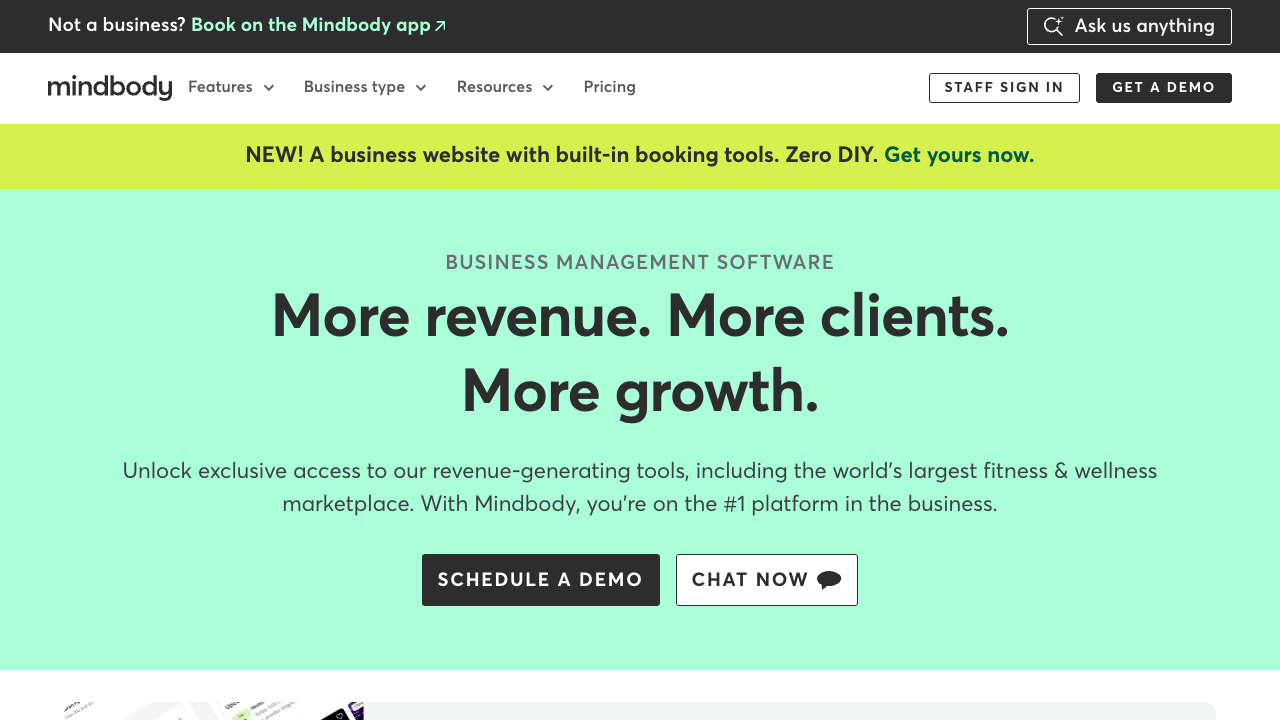
Mindbody is the generalist incumbent. It runs studios, spas, salons, and gyms of every kind, and it has one of the largest consumer marketplaces in fitness. If your box also sells wellness services or leans on marketplace discovery, that reach is the argument.
What you get
- Broad scheduling, memberships, POS, and marketing
- The Mindbody consumer app and marketplace for discovery
- Deep integrations across the wellness industry
- Enterprise-grade tooling for multi-service businesses
The good and the catch
The range and the marketplace are real, and for a multi-service business the breadth can justify the cost.
The catch: it's not built for CrossFit. There's no real WOD tracking or leaderboard, pricing is on the high side and famously climbs with staff, and the reviews are split: plenty of praise, plenty of one-stars on value and support. For a straightforward box, it's usually more platform than you need.
Pricing: starts around $79/mo and climbs quickly with staff and add-ons.
Reviews: 4.0/5 on Capterra (2,995 reviews). See our full Mindbody review.
How to Choose the Right CrossFit Gym Management Software
Skip the feature-count arms race. Match the tool to how your box actually runs:
- Want the whole operation in one simple place, priced flat? That's the case for Gymdesk.
- Want a CrossFit-native all-in-one with a free way to start? PushPress, just run the card-rate math.
- Programming is your product and you want deep performance data? Wodify.
- Members won't track workouts and you want the app they'll love? SugarWOD, paired with a management platform.
- Want tracking with Rogue pedigree plus growing all-in-one management? BTWB.
- Established or multi-location and need depth? Zen Planner, with eyes open on the add-ons.
- Also running wellness or retail under the same roof? Mindbody.
Then run the two-part test on your shortlist. First, total the real cost: subscription plus the card rate on your actual monthly revenue, not the sticker price. Second, ask whether it takes work off your day or adds a screen you have to babysit.
The right answer to the second one is always the first.
FOR CROSSFIT BOXES
WOD tracking, class scheduling, billing, and door access—Gymdesk handles the operation with flat pricing by member count, so you can spend less time behind the desk and more time coaching.
See Gymdesk for CrossFitGym management software that frees up your time and helps you grow.
Simplified billing, enrollment, student management, and marketing features that help you grow your gym or martial arts school.


FAQ
CrossFit Software FAQs

Sean has spent the last decade creating content that helps businesses—small and not so small—grow smarter to allow operators to do more of what they love. You know, the fun stuff.
From shipping and international logistics to web development and marketing, he's done the work (not just the words) to scale retail and service businesses efficiently.
You can find his work at Sendle, Shogun, The Retail Exec, Gymdesk, and more.


