
Gymdesk Is Rated Best Ease of Use in Gym Management
Capterra has recognized Gymdesk with a Best Ease of Use award in their 2026 gym management software rankings, based on verified user reviews.

Gymdesk fits martial arts schools and gyms of up to 250 members that want every feature at one price, starting at $75/month. Zen Planner fits larger operations that need a custom report builder, a staff app, and a support line they can call, and its full stack runs $348 to $538/month by active members. Here's what switching involves, and where Zen Planner is still the better fit.

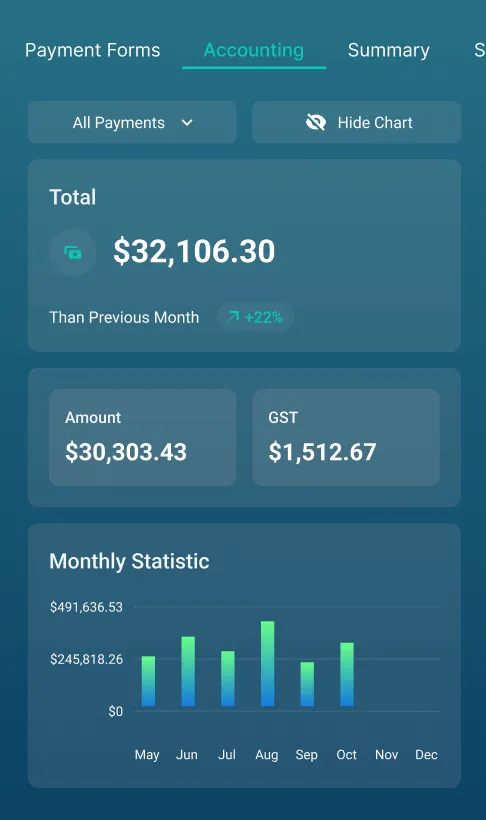

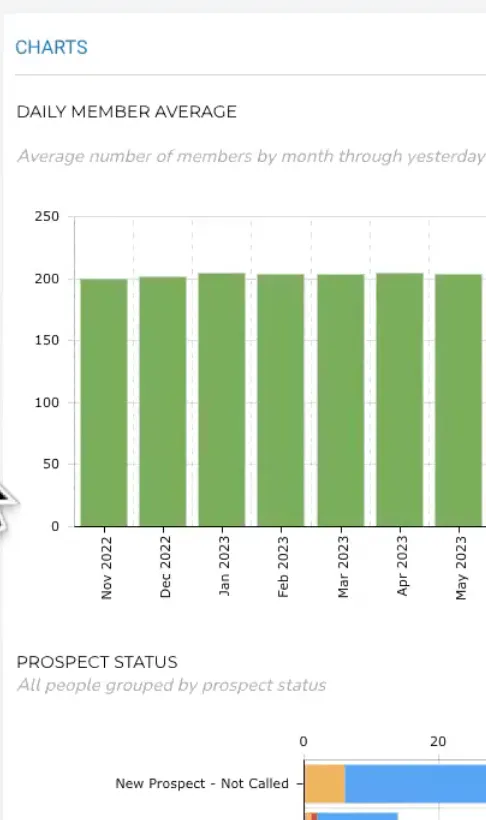

Both Gymdesk and Zen Planner have their strengths. In the table below, we outline the most important factors when choosing your gym management software so you can decide which is right for your gym.
Martial arts schools from day one—founded by a BJJ black belt.
Broad fitness vertical—martial arts, CrossFit, boutique studios
$75/month. All features included at every tier.
$99/month for Studio only. CRM requires Engage ($249/mo extra), website another $99/mo. Studio + Website + Engage: $348–$538/mo by active members.
Six processors—Stripe, Square, Authorize.net, GoCardless, Ezypay, and Gymdesk Payments. You own your account.
A short list of preferred processors, led by its in-house Daxko Payments. Processing rates aren't published.
Email marketing, automations, lead tracking, and referral management included in every account.
Basic email in Studio. Full CRM requires Engage at $249/mo—operates as a separate system.
Attendance-based progression, skills library with video resources, bulk promotions, multi-criteria requirements, student-visible progress bars, skills on schedule view.
Belt tracking available. Attendance counters don't reset on promotion. Limited multi-criteria requirements.
No contracts. Cancel anytime. 30-day free trial.
No free trial published—book a demo. Month-to-month, annual contracts on request.
Both have strengths. Here's where the day-to-day experience actually differs—and why it matters for your gym.
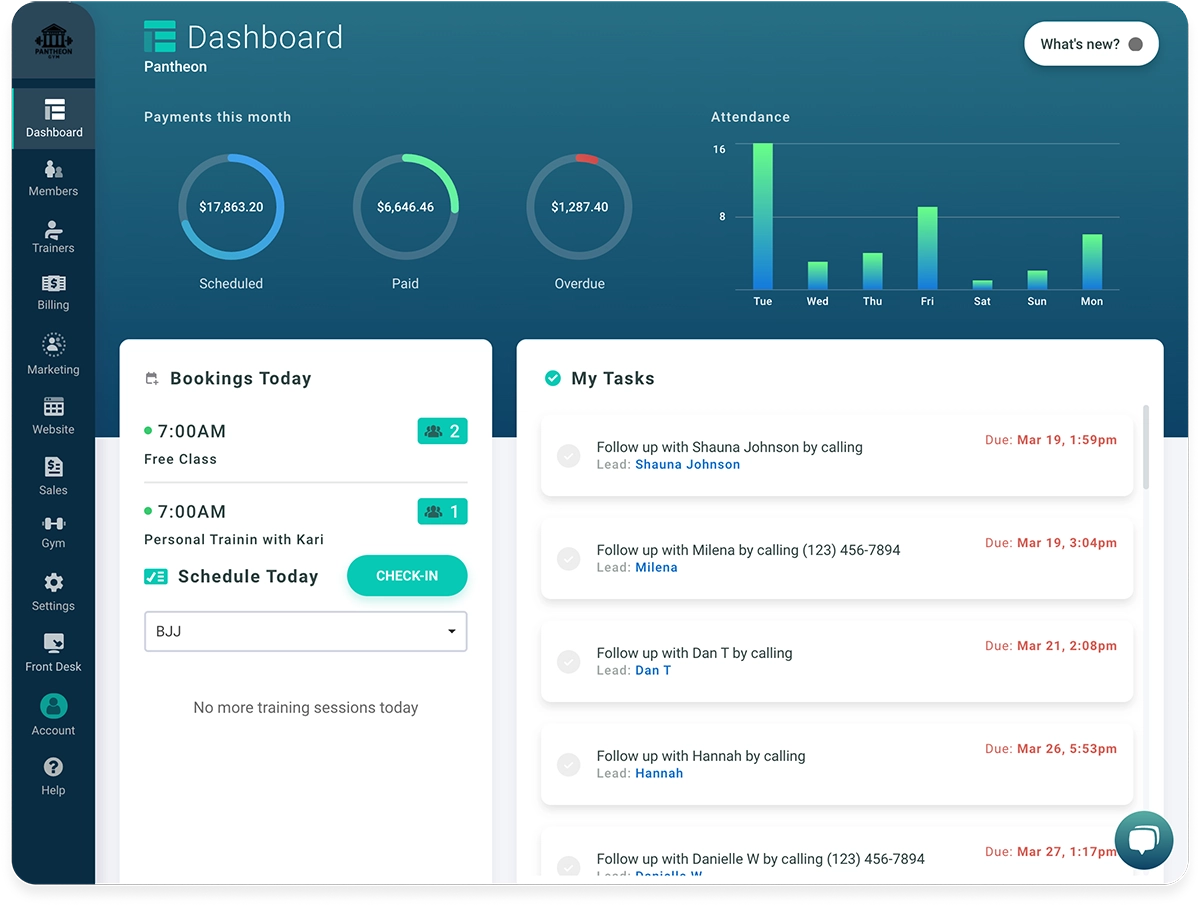
Your gym software shouldn't feel like a second job to learn. If your staff can't figure it out and your members avoid using it, it's not saving you time—it's costing you time.
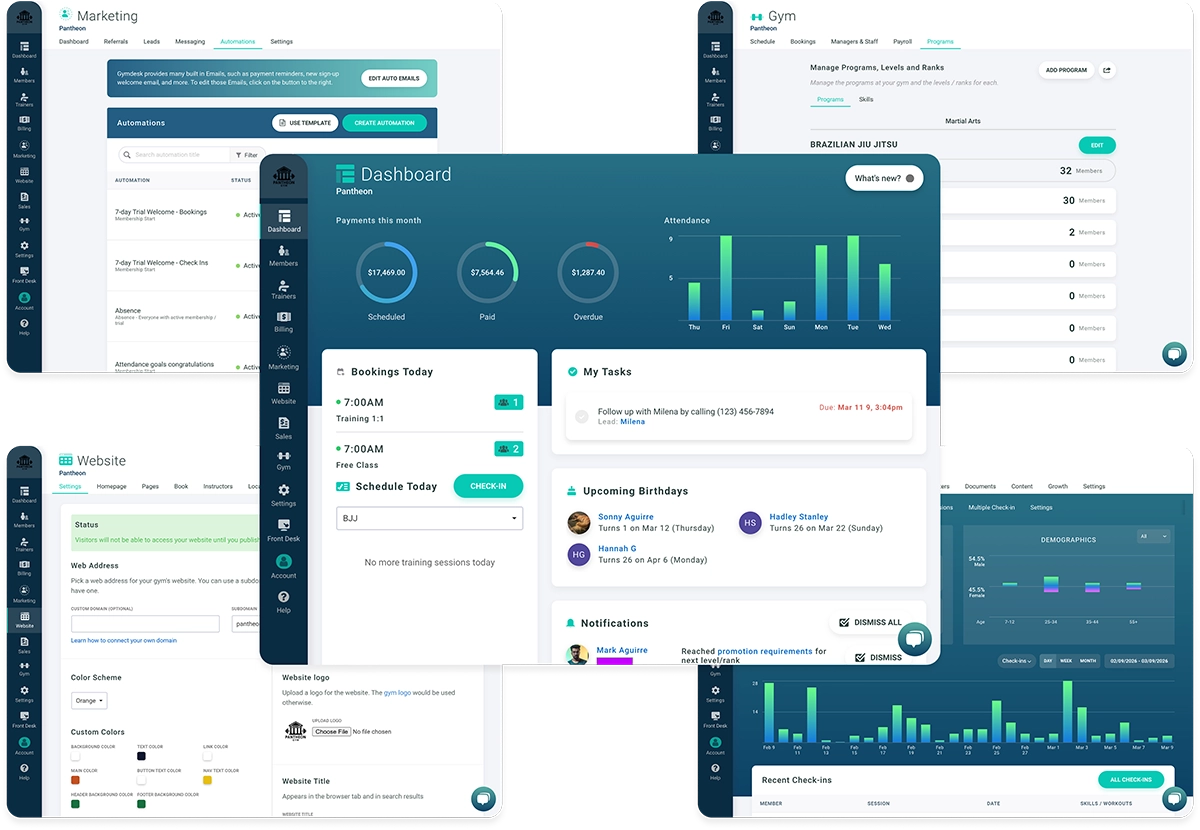
Gymdesk is intuitive enough that most gyms are set up in a day or two. It just works on any device.
Zen Planner starts at $99/month for Studio only. Add the CRM ($249/mo) and website ($99/mo), and you're at $348–$538/mo by active members, plus $39/mo for a branded app, before processing fees.
Gymdesk starts at $75/month with everything included. Your price only changes when your gym grows.
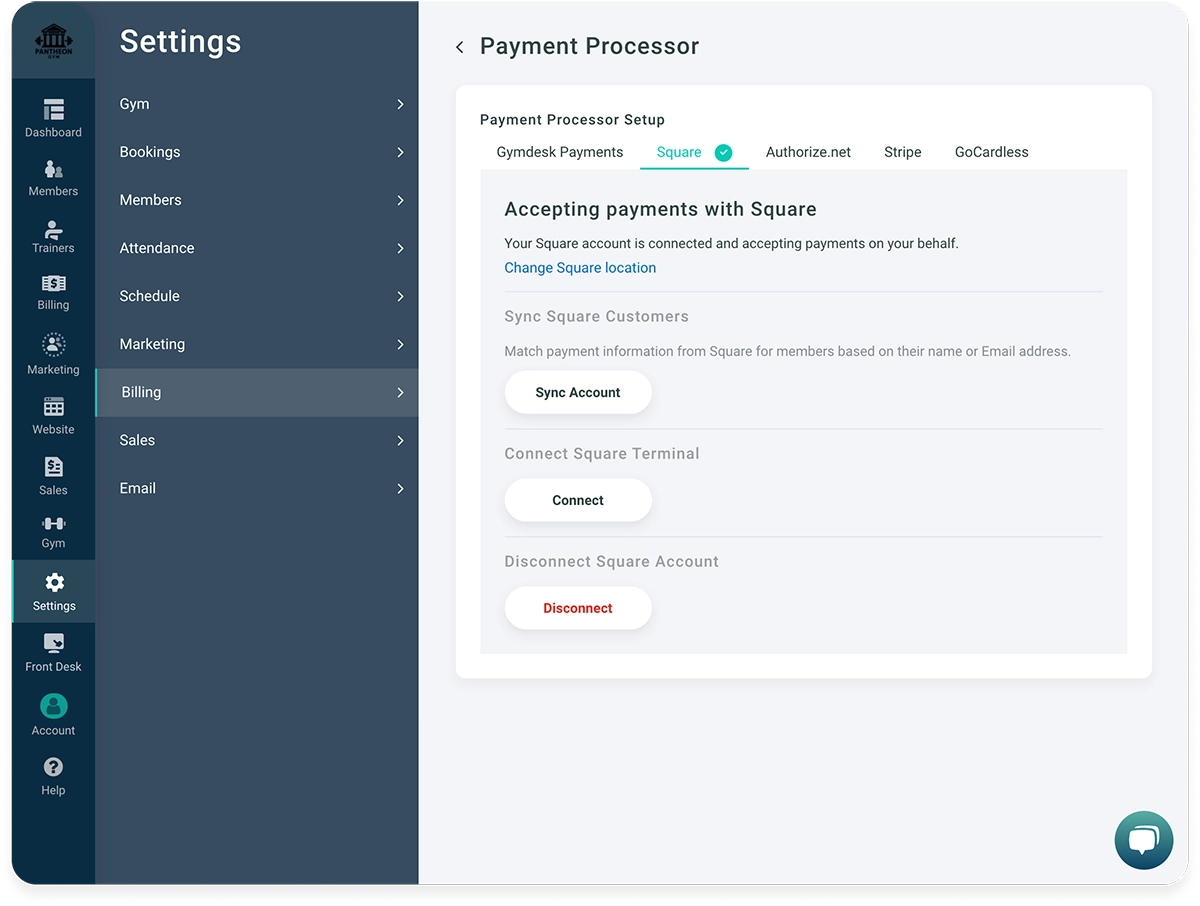
Zen Planner works with a short list of preferred processors, led by its in-house Daxko Payments, and doesn't publish its rates. Stored cards aren't part of its standard data export, so moving them out takes a separate agreement with the processor.
Gymdesk gives you six processors—Stripe, Square, Authorize.net, GoCardless, Ezypay, and Gymdesk Payments. You can run different processors at different locations, and your payment account stays yours.
We could talk for hours about the difference between Gymdesk and Zen Planner, but we'll let users speak for themselves.



Capterra has recognized Gymdesk with a Best Ease of Use award in their 2026 gym management software rankings, based on verified user reviews.
Here's the honest read on which one fits your gym.
You want all your tools—billing, marketing, scheduling, rank tracking—included at one price
You run a martial arts school and need a full curriculum, skills tracking, and family accounts that work
You want to choose your own payment processor instead of being locked into one option
You're looking for a modern, intuitive interface your whole team can learn in a day
You need advanced, custom reporting with conditional logic beyond what most single-location gyms use day to day
You run a CrossFit or functional fitness gym and depend on the SugarWOD integration for workout tracking
You need a dedicated staff app with photo-based check-in for kids programs
A support line you can call any time is non-negotiable for you

No gated tiers, no surprise costs as you grow. You get everything at every price point—billing, marketing, scheduling, rank tracking—and your price only changes when your member count does.

A clean interface you can learn in a day, built to fit any gym—BJJ, yoga, CrossFit, gymnastics. You don't need a training manual or an IT person. It just works.

Same-day responses from a team that understands how gyms actually run. Reach them by email, chat, or video—no hold music, no bots.
We're martial artists, fitness junkies, and software developers—and we built this because you're exactly the person we had in mind. Your success is our success.



Not a hotline. We answer email and chat the same day, usually within a few hours, and you can book a one-on-one support session over a voice or video call from our help center. If having a number you can ring any time is non-negotiable, that's a real difference.
It can be. If you need deep, custom reporting with conditional logic, or you run a CrossFit gym that depends on SugarWOD for workout tracking, or phone support is a dealbreaker—Zen Planner has more there. For most single-location gyms—especially martial arts schools—Gymdesk covers what you actually use day to day, at a fraction of the cost.
Most gyms are fully set up within a few days. You can import your member data, and your members can update their own payment info through the member portal. Stored cards aren't part of Zen Planner's standard data export, so ask Zen Planner how card transfer works for your processor before you schedule the move.
All processing runs through your chosen processor—Stripe, Square, Authorize.net, GoCardless, Ezypay, or Gymdesk Payments—each with their own fee schedule. We don't charge anything extra beyond what your processor charges.
Yes—it's one of our strongest features. You set up promotion criteria using sessions attended, days at current rank, training hours, minimum age, or skill requirements. Students see their own progress in the member portal, and you can view curriculum directly on the schedule. Promote individually or in bulk, and attendance counters automatically reset—something Zen Planner doesn't do.
No sales call or credit-card required. Try our software for free 30 days!