
GymMaster Alternatives: What to Switch To, and When to Stay

GymMaster is the rare gym software that sells you the door as well.
The software, the reader on the wall, the controller in the cupboard, and the key fobs on a hundred keyrings all come from one company in Christchurch, New Zealand. For a 24/7 gym, that's a real convenience.
It's also the reason a lot of owners never shop around for GymMaster alternatives.
So if you're reading this, something has probably changed.
Maybe you added a kids' program and now bill whole households, or you're opening a second location and did the per-site math. Your jiu-jitsu students might want to compete, too.
This guide covers when to stay on GymMaster and what to switch to when it's time to go.
THE SHORT VERSION
If you run a 24/7 fitness gym and want the door hardware from the same company as your software, GymMaster is hard to beat. If you run martial arts or kids’ programs, or you’re adding a location, Gymdesk is the stronger fit. It puts belt promotions, household billing, and door access on one platform.
What GymMaster Does Well
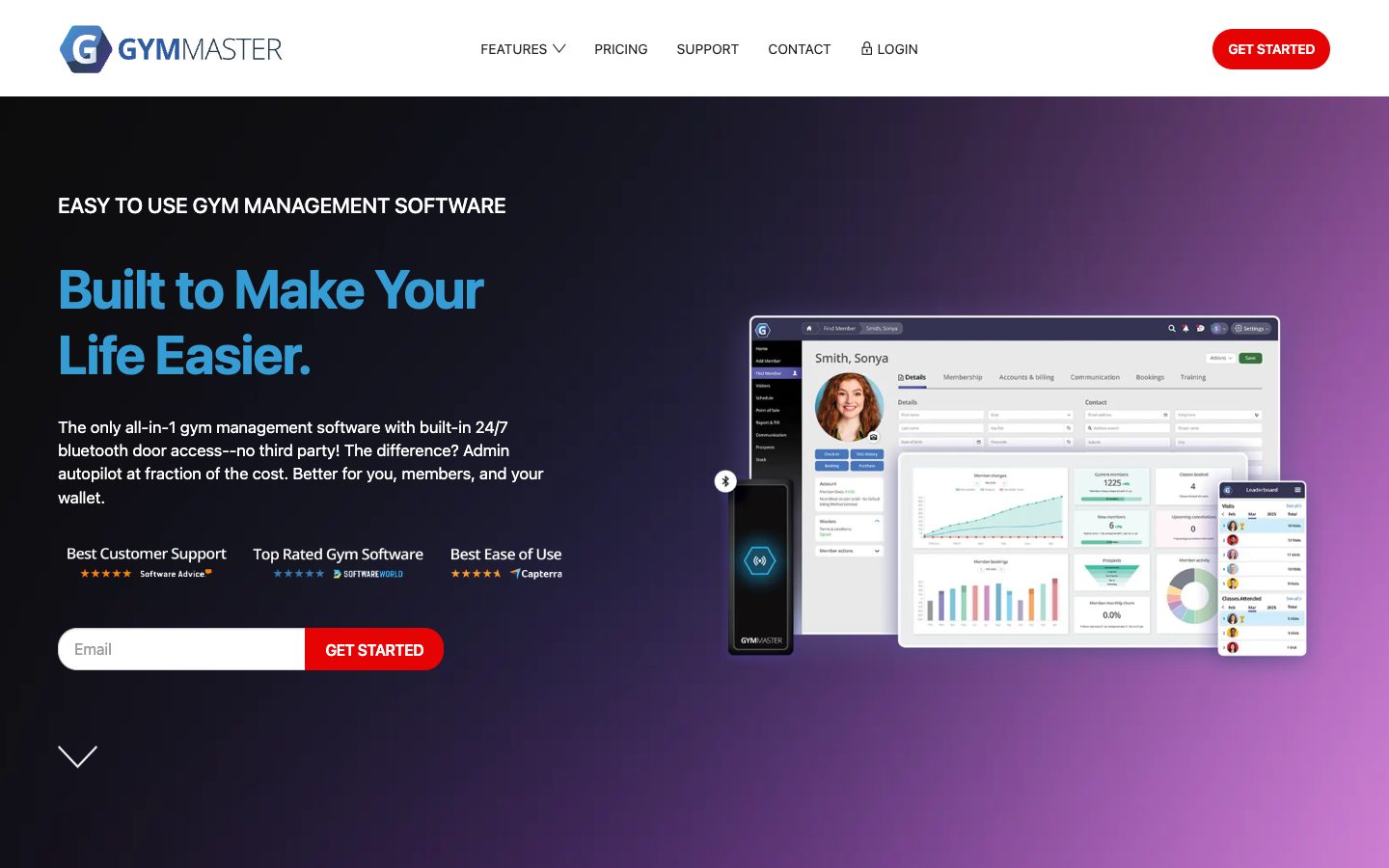
GymMaster comes from Treshna Enterprises, a New Zealand company whose site says the software is used in more than 90 countries.
Its home turf is the unstaffed gym.
The headline feature is built-in 24/7 door access. GymMaster sells its own hardware and publishes the prices: a Gatekeeper controller at $550, a door reader at $300, and key fobs from $1.30 each.
Members can open the door with a fob or with Bluetooth from the GymMaster app.
The software side covers memberships, billing, class booking, point of sale, a member app, and reporting. It also ships updates about every two weeks, which is more often than most gyms change the playlist.
GymMaster also publishes its whole price list, software and door tiers alike, so you can price the full setup before you talk to sales. Pricing is per site, per month, tiered by current members (USD; AUD and NZD prices are on the same page):
GYMMASTER PRICING
Charged per site, per month, in USD, and tiered by current member count. The door access tiers also need door hardware you buy from GymMaster (its door reader lists at $300). Enterprise pricing above 1,300 members is custom.
$89
Foundation, software only (up to 100 members)
$129
Advanced, software only (up to 400 members)
$209
Professional, software only (up to 1,300 members)
Higher than some older listings show$129
Foundation with 24/7 door access
$169
Advanced with 24/7 door access
$249
Professional with 24/7 door access
Source: GymMaster pricing page, verified October 2026. Prices in USD, per site, per month. You get 10% off if you pay yearly, plus a 60-day money-back guarantee.
The reviews are good, too. As of October 2026, GymMaster is rated 4.7 out of 5 on Capterra from 172 reviews and 4.7 on G2 from 20. In Capterra reviews, support from a real person comes up again and again.
Why Owners Look for a GymMaster Alternative
None of these are dealbreakers on their own.
Owners usually start looking when two or three of them stack up:
- Every location pays for its own plan. GymMaster prices are per site, so a second location means a second subscription at full tier price.
- You bring your own website. GymMaster's member portal embeds into a website you build and host.
- A branded app costs $150 a month, plus $450 to set up. The standard GymMaster app is included, and putting your own gym's name on it is an add-on.
- The AI assistant comes with its own bill. GymMaster launched Gymmy in July 2026, and to use it you paste in a key from your own account with an AI provider such as OpenAI or Anthropic. GymMaster's launch post says the cost is "between you, and your chosen AI provider."
- Martial arts tools are brand new. GymMaster released belt grading as a beta feature on October 6, 2026. It's real and it's improving, but it's weeks old.
- Setup takes work. A recurring complaint in recent reviews is the initial setup, and the door hardware needs an installer. GymMaster's own pricing page says the hardware "will require installation."
WHEN GYMMASTER IS STILL THE RIGHT CALL
You run a single-site 24/7 fitness gym and want the door hardware and the software from the same company, at published prices. Belt programs and kids’ classes aren’t part of your schedule, and you’re happy to host your own website. That’s the gym GymMaster was made for.
Gymdesk: The GymMaster Alternative for Martial Arts and Multi-Program Gyms
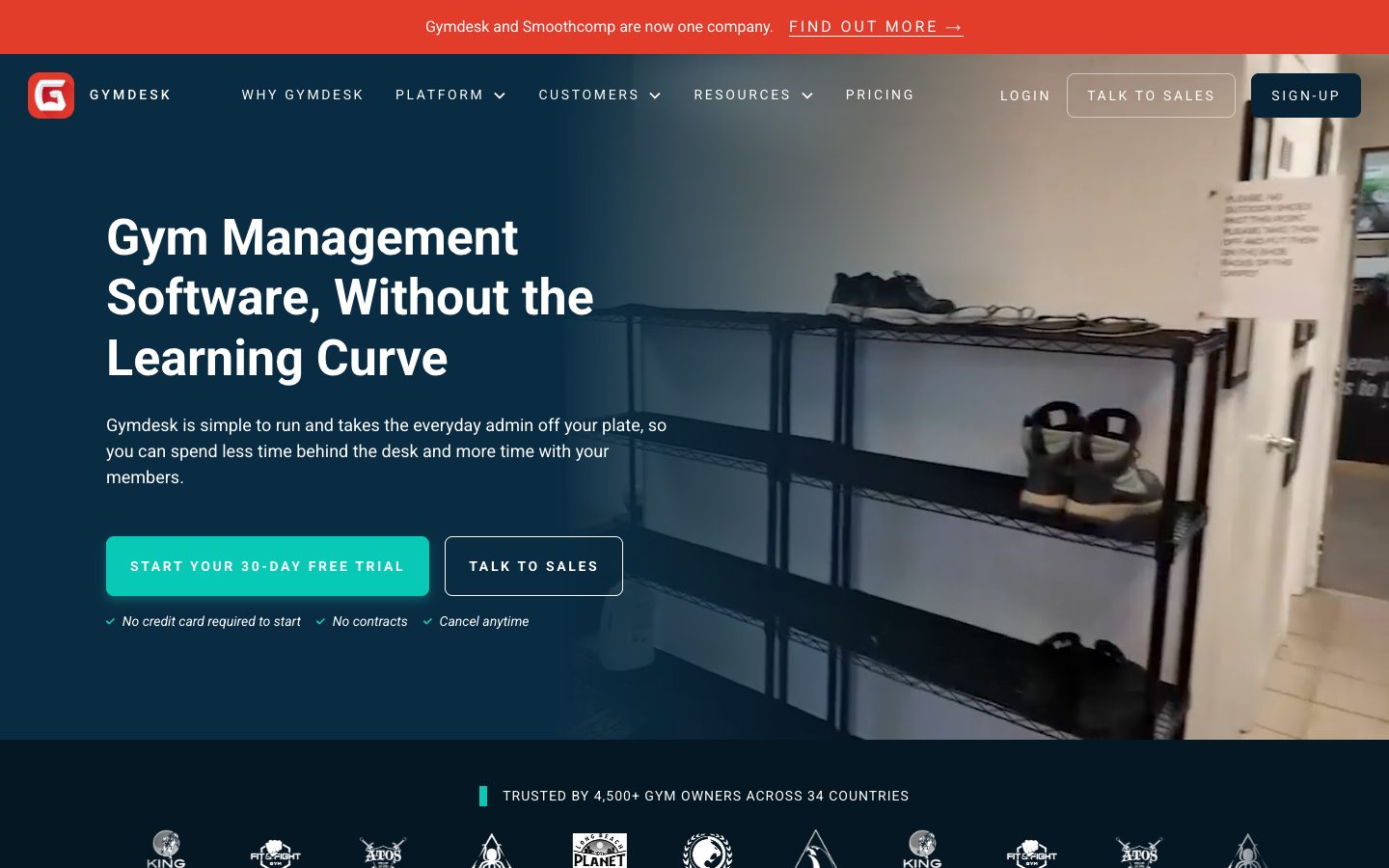
Full disclosure: I work at Gymdesk, so weigh this section accordingly.
Gymdesk is the better fit for gyms that run belt ranks, family memberships, or a competition team.
Gymdesk was founded by a Brazilian Jiu-Jitsu black belt and started as software for martial arts schools. It grew into a full platform for gyms that run martial arts next to kids' programs and adult fitness classes.
Belts, promotions, and families
This is where Gymdesk is strongest. You set promotion criteria for each rank: classes attended, time at the current belt, training hours, minimum age, or specific skills. Students see their own progress toward the next stripe in the member app, which saves you a few "am I close?" conversations at the front desk.
When grading day comes, you can promote students one at a time or in bulk, with evaluation forms and promotion fees.
Families get one account. A parent controls payment and member details for the whole household, and family pricing adjusts on its own as siblings join or leave. Family discounts apply automatically, which beats untangling three kids' payments by hand on a Sunday night.
Door access, with fob or phone
Gymdesk added 24/7 door access, and it now works with a fob or the member's phone. Access is tied to the membership, so when a membership is frozen, canceled, or lapses, that member's fob stops working on its own. Nobody has to keep a list.
The hardware comes from Rhombus, the same door hardware that runs 24 Hour Fitness. It's rated #1 in Physical Security on G2 and backed by a 10-year warranty.
Installation works differently, too.
With GymMaster, the hardware ships to you and you bring in an electrician or security installer. With Gymdesk, Rhombus's installer network finds a local installer, gets competing quotes, and books the job. You approve a date.
GymMaster publishes its hardware prices, and they're lower than a typical Rhombus quote.
Gymdesk door access is an add-on, currently in beta, at $100 a month for up to three doors, then $29 per extra door. Hardware and installation are quoted for your building.
We'll keep you in the loop with fresh content, podcasts, how-to guides, tool reviews, and product exclusives.
Competition management with Smoothcomp Connect
On most competition teams, tournament season runs out of a group chat, with a coach asking who's registered and who's actually paid.
Gymdesk and Smoothcomp are now one company.
Smoothcomp runs tournament registration and brackets for grappling and martial arts events around the world. Smoothcomp Connect puts that inside Gymdesk, and it's included in every plan at no extra cost.
That covers most of what the group chat was doing:
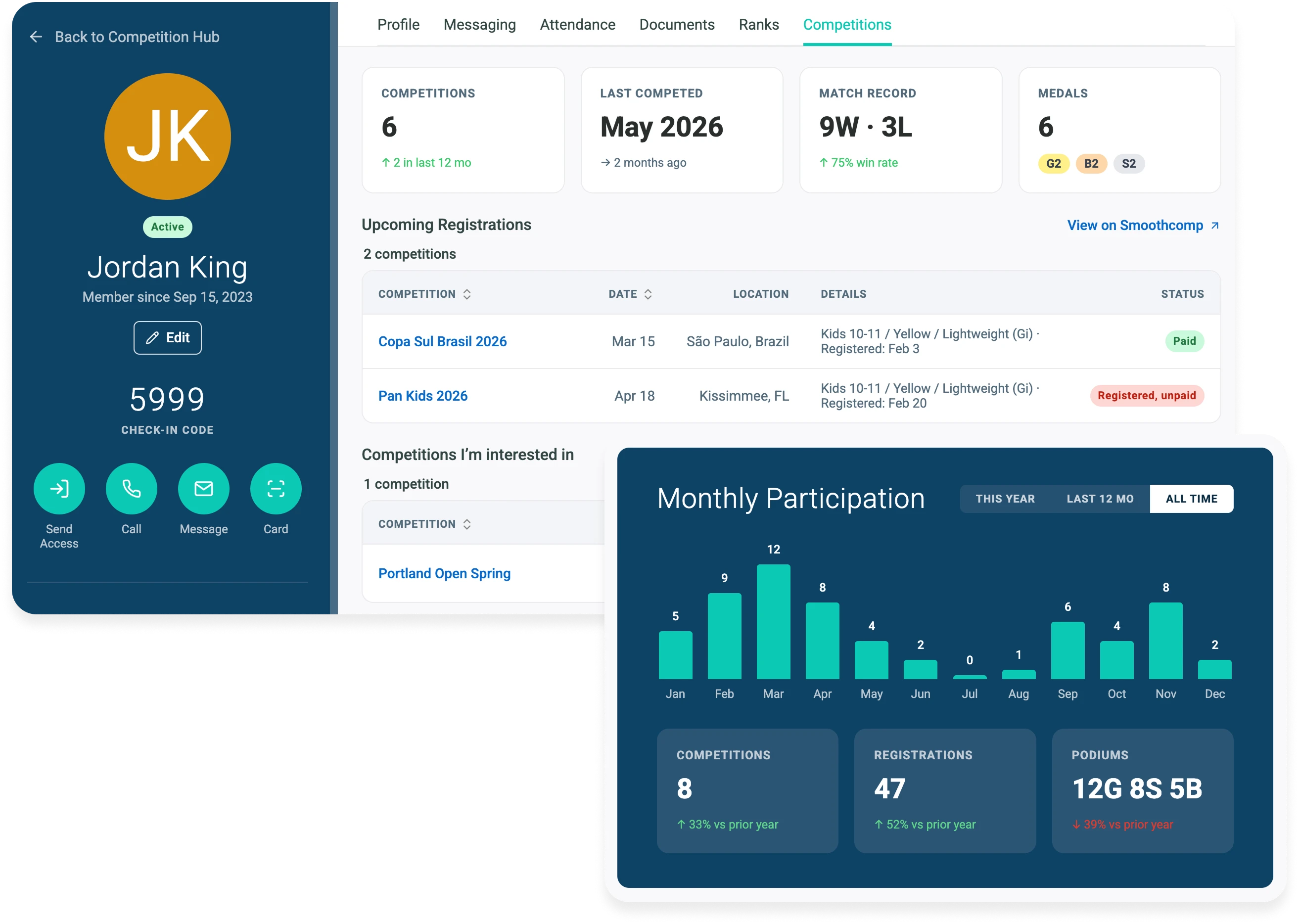
- Connect your academy once, and your Smoothcomp history fills in: events, registrations, and podiums, including past years.
- Endorse an event, and your members see it marked Academy Approved in their own app.
- Members register from a tournament registration form pre-filled from their Gymdesk record, with your academy locked in, and their belt matched to the right Smoothcomp division.
- Your roster shows who's registered and who's actually paid, separately.
- Match results land on each member's record, next to their belt and attendance. That history fills in as each member links their own Smoothcomp account.
Joe Guarino, co-founder of Unlimited Jiu Jitsu, on the registration side:
On the day itself, Coach Companion is a free tournament-day app on iOS and Android that puts your team's matches in order and makes sure every athlete has a coach in their corner. It was built by the Smoothcomp and Gymdesk teams.
If your gym doesn't compete, the Competitions tab can be switched off and nothing else changes.
What Gymdesk costs
Every plan includes unlimited staff accounts, a responsive gym website, and every feature we build. Prices are in USD, with Gymdesk Payments:
- Micro Gym: $75 a month, up to 50 active members
- Small Gym: $100, 51 to 100 members
- Medium Gym: $150, 101 to 150 members
- Large Gym: $200, 151 to 250 members
- 251 members and up: priced with you
More locations cost less. Per Gymdesk pricing, each extra location is $50 a month with Gymdesk Payments or a preferred partner, and $100 with your own processor. Every location shares one member database.
Gymdesk Payments is available in the US and Canada. Outside the US and Canada, integrated processing through an approved partner qualifies for the same rate, subject to approval, so tell the team your country and they'll confirm. If you'd rather keep your own processor, it's $25 a month more on most tiers and $40 more on Large Gym.
The optional add-ons are door access (above) and a branded app at $100 a month, first month free. There are no setup fees or contracts, and the 30-day free trial needs no credit card.
A single-site 24/7 gym with doors will usually pay less on GymMaster, hardware included.
Other GymMaster Alternatives Worth a Look
Gymdesk isn't the right fit for every gym that leaves GymMaster, so here are three more, kept short.
Kicksite: small, single-discipline martial arts schools
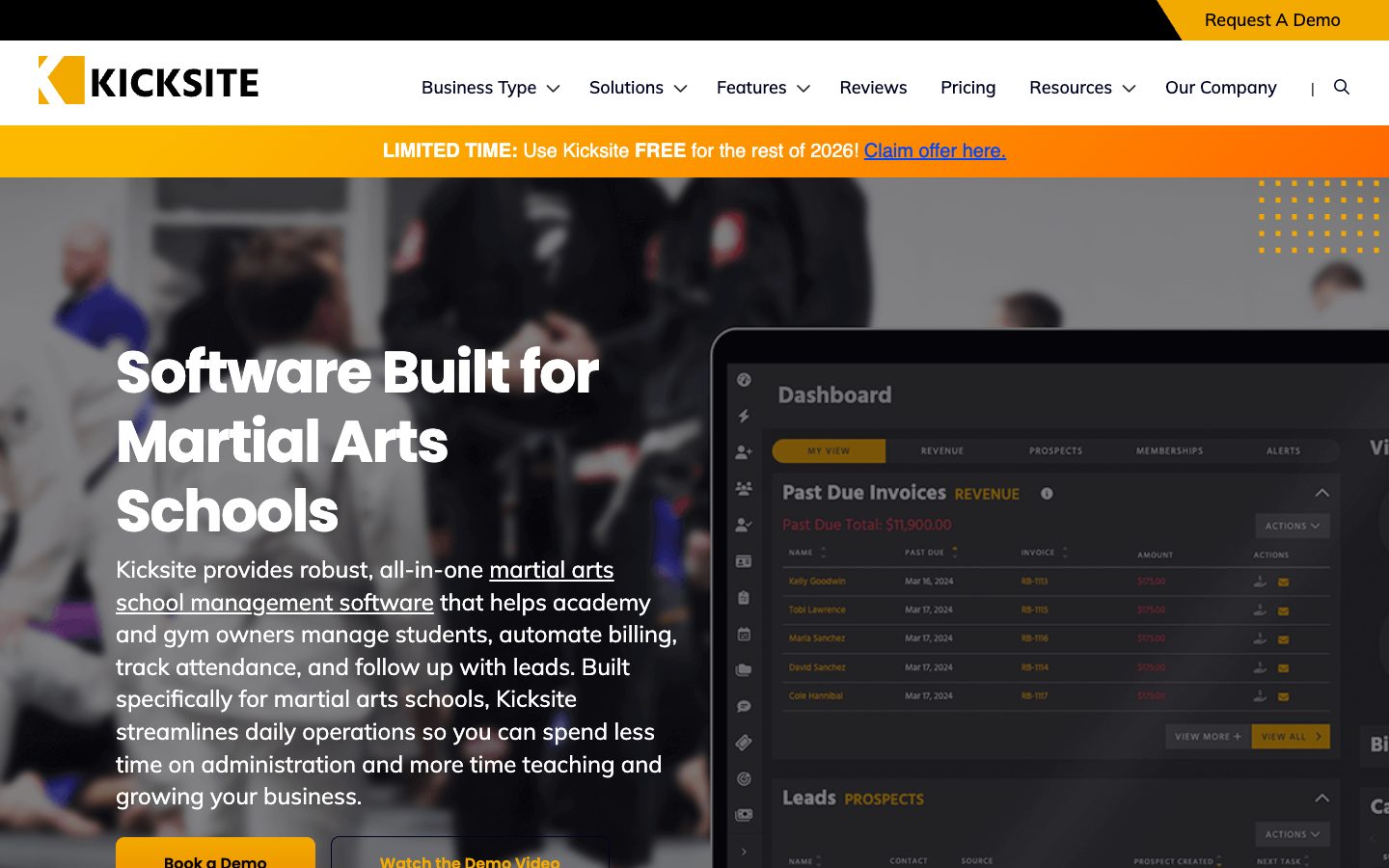
Kicksite is built for small martial arts schools.
It prices by active student count: $49 a month for up to 25 students, then $99, $149, and $199 for 101 or more. Belt tracking and a 30-day free trial are included. It doesn't advertise door access.
As of October 23, 2026, Kicksite's homepage also advertises free use for the rest of 2026, so ask what you'd pay from January.
PushPress: CrossFit and functional fitness boxes
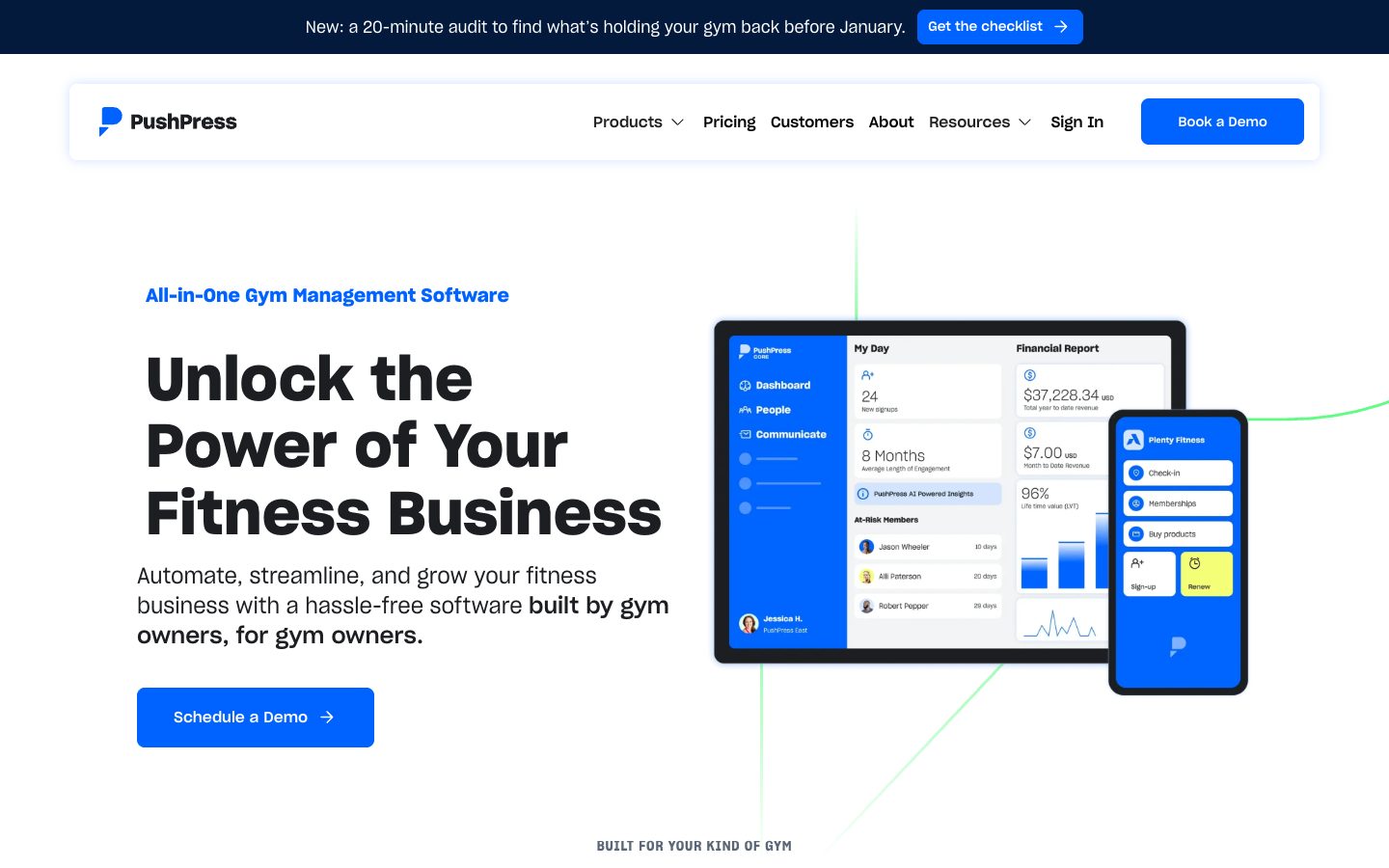
PushPress lists CrossFit first among the gyms it serves and sells workout tracking as an add-on (Train, $79 a month). Door access comes through a partner integration (HybridAF).
Its free plan charges 4.99% + 30¢ per card payment, and paid plans at $159 and $229 a month lower that rate. Free is everyone's favorite price, so do the processing math at your revenue before you pick that plan.
Clubworx: Martial arts schools and gyms in Australia and New Zealand

Clubworx is built for martial arts schools and gyms in Australia and New Zealand, and it prices in Australian dollars.
There's a free plan for up to 20 active members, then A$109 a month for up to 100, A$149 for up to 250, and A$169 for unlimited. It tracks styles and belts, and grading events are an A$10 monthly add-on on the A$149 and A$169 plans.
Payments run through Ezidebit, and door access is a Brivo integration. The trial is 15 days, and after that you can stay on the free plan.
GymMaster Alternatives Compared
Here's how the five line up on the things GymMaster switchers ask about first. Prices are each vendor's published entry price as of October 2026.
Platform |
Best for |
Entry price |
24/7 door access |
Belt tracking |
Free trial |
GymMaster |
Single-site 24/7 fitness gyms |
$89/month software only; $129/month with door access |
Built in, own hardware |
Beta (since October 2026) |
Limited trial; sales demo |
Gymdesk |
Martial arts and multi-program gyms |
$75/month with Gymdesk Payments |
Add-on (beta), fob or phone |
Yes |
30 days, no card |
Kicksite |
Small single-discipline martial arts schools |
$49/month (up to 25 students) |
Not advertised |
Yes |
30 days |
PushPress |
CrossFit and functional fitness boxes |
Free (4.99% + 30¢ card rate) |
Partner integration |
Yes |
Free plan |
Clubworx |
Martial arts and gyms in AU/NZ |
Free (up to 20 members); A$109/month up to 100 |
Partner integration |
Yes |
15 days |
Want the monthly total for your gym, add-ons included? The Gymdesk gym software cost calculator adds it up.
The scorecard below gives you a way to test any of these during a trial. Mark your must-haves first, then score what you actually saw.
Gym Software Trial Scorecard
Run the same twelve tests on every platform you trial. Mark the ones that are deal-breakers for your gym, and the verdict only cares about those.
Step 1: Name the platforms you are trialing
Step 2: Mark your must-haves, then score what you saw
Leave a cell blank until you have actually run the test. Blank counts as untested, never as a pass.
How to Switch From GymMaster
Leaving software you've used for years feels like moving house. Most of the work is boxes, and one or two things you really don't want to drop.
Export your data first. GymMaster's cancellation page says you can run any report and click "Export to CSV," and you're offered a full data export during cancellation. Gymdesk imports members and memberships from CSV.
Plan for stored cards separately. Where card details live depends on whose merchant account collected them.
Ask your processor whether the account is in your name and whether it will release the card tokens to your new platform. If it won't, plan for members to re-enter their cards.
Gymdesk doesn't block payment tokens from moving, in or out.
Sort out the doors. Your GymMaster readers and controller stay with your building, but they work with GymMaster's software. If you're moving door access too, plan for new readers.
Gymdesk readers use 13.56 MHz NFC fobs, so send the team a photo of yours and they'll confirm whether it can carry over before you order anything.
Give notice early. GymMaster's cancellation page says there's no minimum term. Its terms of trade still ask for 30 days' written notice, so send it in writing as soon as you've picked a date.
Cancel last. Close GymMaster only after the new system has every member and billing is running. That way nobody gets charged twice, or not at all.
The Gymdesk guide to switching gym software covers the rest of the move step by step.
Which GymMaster Alternative Fits Your Gym?
Start with what kind of gym you run.
A single-site 24/7 fitness gym that's happy with its doors can stay put. Kicksite suits a small martial arts school on a tight budget, PushPress is made for CrossFit boxes, and Clubworx fits academies in Australia and New Zealand.
If you run martial arts, kids' programs, a competition team, or more than one location, Gymdesk is built for you. Smoothcomp Connect puts tournament results on the same member record as belts and attendance.
If you want the head-to-head version, here's the full Gymdesk vs GymMaster comparison.
Start a 30-day free trial and run a real week of classes through it before your next GymMaster bill.
FOR MARTIAL ARTS AND MULTI-PROGRAM GYMS
Belt promotions, household billing, door access, and Smoothcomp Connect, on one member record. The 30-day free trial needs no credit card, so run a real week of classes through it before your next GymMaster bill.
- No credit card required
- No contracts
- No setup fees
Gym management software that frees up your time and helps you grow.
Simplified billing, enrollment, student management, and marketing features that help you grow your gym or martial arts school.


FAQ
GymMaster Alternatives FAQs
Short answers on GymMaster's pricing, trial, grading, and how to leave.

Sean has spent the last decade creating content that helps businesses—small and not so small—grow smarter to allow operators to do more of what they love. You know, the fun stuff.
From shipping and international logistics to web development and marketing, he's done the work (not just the words) to scale retail and service businesses efficiently.
You can find his work at Sendle, Shogun, The Retail Exec, Gymdesk, and more.