
Monthly volume
$20,000

Someone quotes you "2.9% and thirty cents," and you nod like that settles it. One number. Cost of doing business. Done.
It isn't done.
That headline rate is the top of a stack. Interchange sits underneath it, set by the card networks. A markup rides on top of that, set by your processor. A flat per-transaction fee mugs your smallest charges. And under all of it, a layer of add-ons nobody itemizes for you. Plus, on a few platforms, a fee you only meet when you try to leave.
None of this is a reason to panic. It's a reason to learn the anatomy.
By the end of this you'll know every layer inside a processing fee, what gym platforms actually charge once the add-ons are counted, and how to calculate the one number that lets you compare any two providers honestly: your effective rate.
Learn that number, and nobody can quietly overcharge you again.
That percentage on your statement is doing the work of three fees wearing a trench coat and standing on each other's shoulders.
Every card charge stacks three costs.
Interchange goes to the cardholder's bank. Visa, Mastercard, and American Express set it, nobody escapes it, and no processor can discount it away.
Network assessments are a smaller slice the card networks keep for themselves.
The markup is your processor's cut. It's the only layer that actually moves between providers.
Riding on top of all of it is a flat per-transaction fee, usually 5¢ to 30¢. That's why a $12 drop-in gets eaten alive and a $200 membership barely feels it.
Now the framing nobody gives you. Of a typical 2.9% rate, roughly 1.8% is interchange and assessments you literally cannot avoid. The remaining 1% or so is markup.
That's the part you can shop, negotiate, or route around.
So when you compare two providers, you're really comparing that 1%. The rest is the same for everybody.
The 2.9% breakdown
Only the markup is yours to negotiate.
Two pricing models, and you'll meet both.
Flat-rate gives you one number, say 2.9% + $0.30, on every card.
You overpay a hair on cheap debit and underpay a hair on premium rewards cards, but it's predictable and easy to reconcile.
That's why Stripe and Square default to it. Stripe's standard online rate is 2.9% + 30¢. Square runs 2.6% + 15¢ in person and, since a January 2026 change, 2.9%–3.3% + 30¢ online depending on your plan (the free tier is now 3.3%).
Interchange-plus quotes you the raw interchange cost plus a fixed markup, like "interchange + 0.5% + $0.10."
It's the most honest model and usually cheaper once you have real volume. The catch is a statement that's harder to read, because interchange shifts with every card type.
Then there's tiered pricing, and you should distrust it. Transactions get sorted into "qualified," "mid-qualified," and "non-qualified" buckets at rates the processor defines. It's opaque on purpose.
That's where the padding hides.
There are two ways to actually take the money, too.
A traditional merchant account is set up in your gym's name through a merchant services provider. More paperwork, sometimes better rates at high volume, sometimes a monthly gateway fee bolted on for good measure.
An integrated processor is built into your gym software. Signup is instant, and billing, reporting, and reconciliation all live in one place.
Most gym platforms go integrated.
And most of them do it by quietly reselling Stripe under the hood. That's fine, right up until the platform stacks its own markup on Stripe's rate and forgets to tell you.
So keep one question in your pocket for the rest of this article: is my platform charging me the processor's rate, or the processor's rate plus a tip for themselves?
This is the section almost every fee guide skips. It's also the one that runs your gym.
When a member taps or dips a card at the front desk, that's card-present. Lowest risk, lowest rate.
When a card sits on file and gets billed automatically every month, or keyed in online at signup, that's card-not-present. Higher fraud risk, higher rate.
Now think about where your money actually comes from.
It's recurring auto-billing on stored cards, over and over. So the rate that governs your business is the card-not-present rate, not the shiny in-person number processors love to put on the billboard.
When you're comparing providers, ask flat out for the card-not-present or keyed rate.
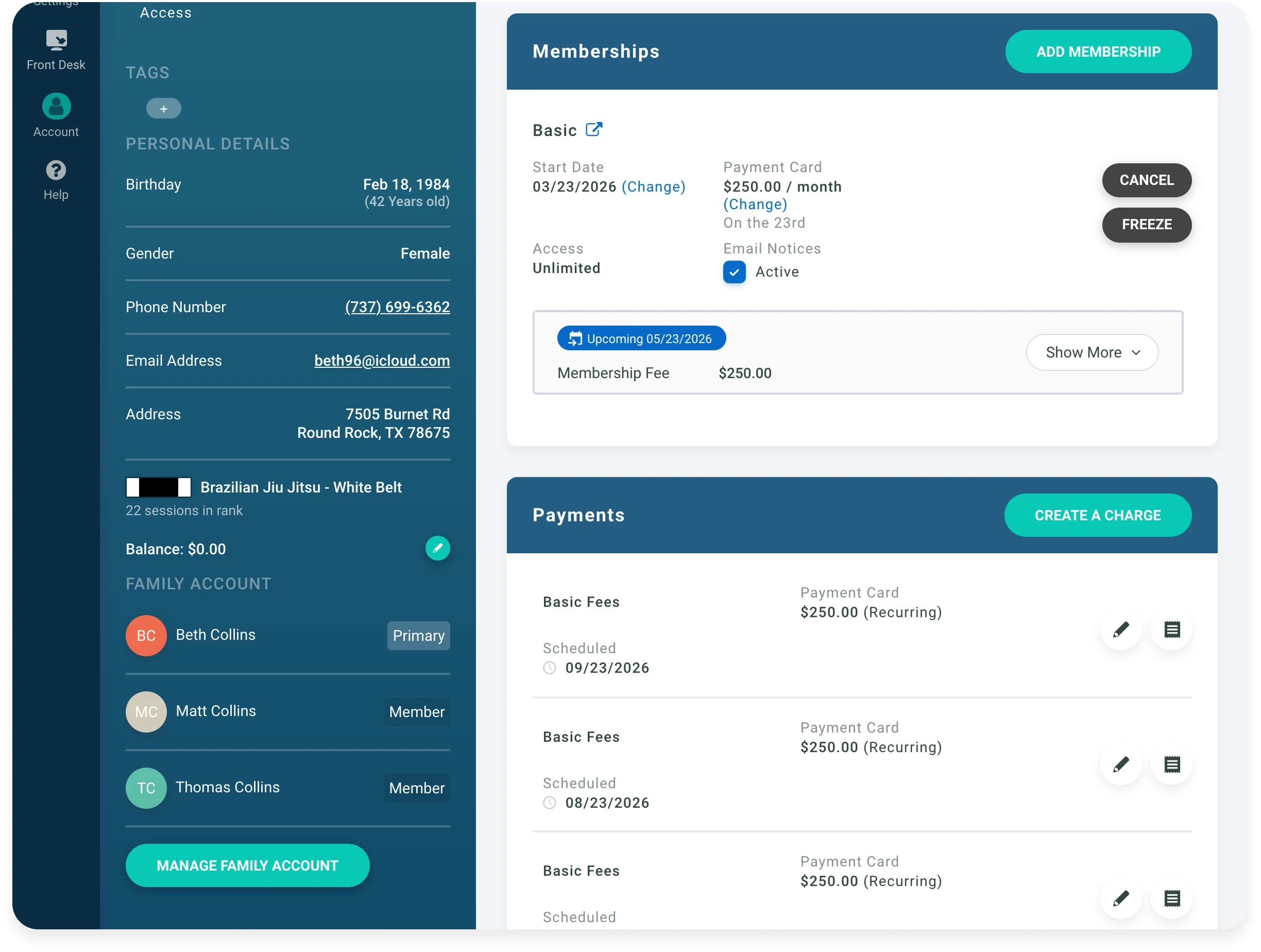
A processor can advertise a slick swipe rate and still soak you on the recurring billing that's 90% of your volume. Square's keyed and card-on-file rate, for instance, is 3.5% + 15¢.
Nearly a full point over its in-person rate. The swipe number was never the one you needed.
The advertised percentage is the part they want you comparing. The add-ons are where the real spread lives.
Run down the usual suspects.
A monthly gateway fee is worth a hard look if your processing is already integrated. Kicksite, for one, tacks on $29 a month on top of its percentage.
Statement and account fees are small, and on most modern platforms they're pure padding.
Batch fees hit every time you settle a day's transactions.
PCI compliance fees show up when a provider makes you attest to security standards. PCI non-compliance fees show up when you don't, and those are worse.
Chargeback fees are fair enough in principle, but they range all over the map in practice.
None of these live in the "2.9%" you were quoted. All of them raise the number you actually pay.
The most expensive fee is often the one you only meet on your way out.
Your members' card data doesn't sit in your gym software. It lives as encrypted tokens with the processor. Move to a new platform, and those tokens have to come with you.
Some providers charge to hand them over. Which is, when you say it plainly, a ransom for your own members' payment data.
Mindbody has been reported to charge somewhere around $1,000–$1,500 to release tokens. Zen Planner has been reported near $500 for a data export.
Basys-backed setups run $500–$1,000.
None of that touches your monthly rate. It just quietly raises the price of ever changing your mind.
Read the exit terms before you sign the entry terms. A provider that charges you to leave has told you something about how it plans to keep you.
Once a quarter, pull a real processing statement and do three things.
Add up every fee line, not just the percentage. Divide that total by the volume you ran. Compare the result to the rate you think you're paying.
The gap between those two numbers is the whole story. For a lot of owners, it's wider than they'd like.
Do this once a quarter
The gap is your real cost.
Now the honest part.
Gym platforms run the whole range, from a transparent flat rate to an opaque markup with an exit ransom stapled to the back.
The only fair comparison pairs the effective rate with the switching cost, never the advertised percentage alone.
Rates change and plans differ, so treat everything below as reported and current at the time of writing. Confirm any single number against the provider's own pricing before you decide anything on it.
| Platform | Reported processing rate | Monthly / gateway add-ons | Exit / migration fee | Processor choice |
|---|---|---|---|---|
| Mindbody | ~2.99% in person / 3.60%+ online-keyed (reported) | Marketplace commissions on some bookings | Reported $1,000–$1,500 to release tokens | Locked (provisioned Stripe) |
| Zen Planner | ~2.97% + $0.47, higher with surcharges (reported) | PCI ~$5.95/mo + statement ~$5/mo (reported) | Reported ~$500 data-export fee | Limited (PaySimple) |
| PushPress | 2.75%–4.19% (plan-dependent) | Free plan penalizes at 4.19% | Not reported | Locked (Stripe-only) |
| Kicksite | 2.9% + $0.25 | $29/mo gateway | Basys lock-in $500–$1,000 | Locked |
| Glofox | Opaque / not published | Unknown | Unknown | Unknown |
| Gymdesk PaymentsPublished | 2.9% + $0.30 · 3.5% AMEX · 1% ACH ($5 cap) | None | None | Flexible—or bring your own |
Reported and current at time of writing. Confirm any figure against the provider's own pricing—rates and plans change.
Two reference points to hold that table against.
A standalone Stripe account runs about 2.9% + 30¢ online (Square is 2.9%–3.3% depending on plan since its January 2026 change).
So any gym platform quoting materially more than that on card-not-present volume is adding a markup on top of the processor it resells.
Processor choice is its own line item.
Locked into a provisioned account, you can't shop your rate even after you've earned the right to.
One reported anecdote makes it concrete.
A multi-location operator described spending $20,000–$30,000 a year in processing fees on a marked-up platform. Treat that as reported rather than a verified audit. But the point holds. At volume, one point of markup is a hire you didn't get to make.
Reported annual processing spend for one multi-location operator on a marked-up platform. At volume, a single point of markup is a hire you didn't get to make.
You'll see "0% transaction fees" in ads aimed right at gym owners. Interchange exists for everyone, so a true zero is impossible.
The cost didn't vanish. It moved.
It usually moves into one of three places. Into a higher subscription, so you pay your processing as a flat monthly line instead of a percentage. Into a worse markup somewhere you're not looking. Or into switching friction, where "free" holds only as long as you never leave.
Three questions unmask almost any "free" or "lowest rate" claim:
A provider that answers all three cleanly is worth a look. One that gets vague on any of them just told you where the money is.
Every comparison in this article collapses into one number.
You can get it in about five minutes.
Take one month. Add up every processing fee you paid: percentage, per-transaction fees, gateway, statement line, all of it. Divide by the total dollar volume you ran that month. Multiply by 100.
That's your effective rate. It's the only number that lets you put two providers side by side and actually mean it.
Work a quick one. Say you ran $20,000 across about 150 member charges. At 2.9% + $0.30, the percentage is $580 and the per-transaction fees are $45. Call it $625 in fees.
An effective rate of roughly 3.1%.
Now move a third of that volume to ACH bank transfer at 1% (capped at $5). Those transfers cost a sliver of the card rate, and your blended effective rate drops without you renegotiating a thing.
Routing recurring dues to ACH is one of the only levers that lowers the rate on the volume that matters most.
You don't have to do this by hand. Gymdesk's processing fee calculator runs the effective-rate math for you, and the billing leakage tool shows what failed and uncollected payments quietly cost on top of the fees.
Worked example
Monthly volume
Total fees
Effective rate
$20K/month across ~150 charges at 2.9% + $0.30 runs about $625 in fees. Move a third of that volume to ACH at 1% and the blended rate drops without renegotiating anything.
Gymdesk publishes its rates. That's most of the point.
Gymdesk Payments is 2.9% + $0.30 on non-AMEX cards, 3.5% + $0.30 on American Express, and 1% (capped at $5) on ACH bank transfers.
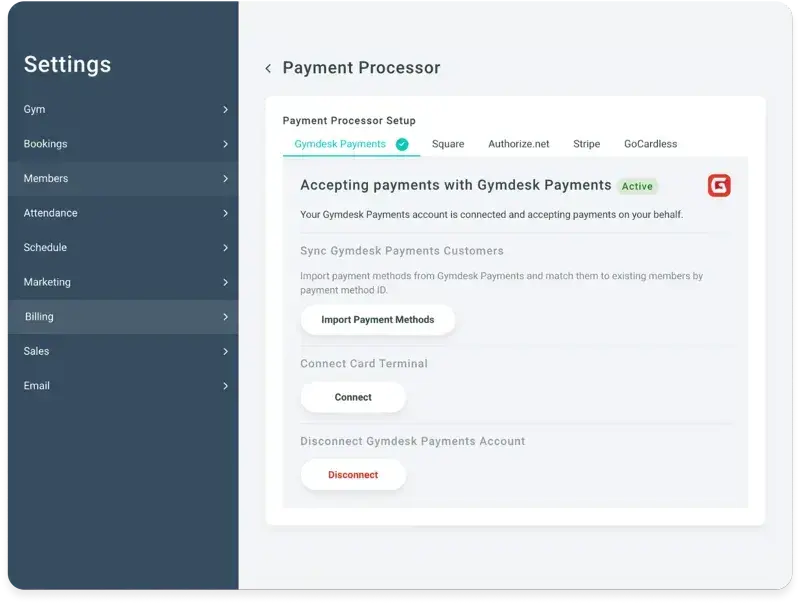
That's the processor-level rate you'd get running Stripe directly, with no platform markup stacked on top.
Card funding lands in about two business days. No gateway fee, no statement fee, and no charge to release your tokens if you ever decide to leave. Migration is white-glove and zero-downtime.
If you'd rather not switch processors at all, you don't have to.
Gymdesk lets you choose your processor—Stripe, Square, Authorize.net, GoCardless, or Gymdesk Payments—and automated billing runs the recurring charges either way. If you use your own processor, your Gymdesk plan costs $25 a month more ($40 on Large).
That's the no-lock-in version of the same story: your rate stays yours to shop, and your members' data stays yours to move.
We've talked to enough owners to know how this actually goes.
King Tiger Taekwondo left an earlier platform partly because processing fees had crept too high. Chicago MMA found its move painless for one boring reason. It was already on Stripe. Your processor, not your software, usually decides how hard switching is going to be.
Gymdesk's transparent pricing is built so the fee stops being a guessing game. (Gymdesk Payments is available to gyms in the US and Canada.)
Gymdesk Payments · Published Rates
The owner who reads one processing statement a quarter and knows their effective rate can't be quietly overcharged. That habit—not any single provider—is the real protection.
So run your own numbers this week. Add up the fees, divide by volume, and see what you're actually paying against what you were quoted. If the gap is bigger than you expected, you now know exactly which layer to go after.
Start with the effective-rate math on the processing fee calculator, or see where a transparent rate would land you.
Simplified billing, enrollment, student management, and marketing features that help you grow your gym or martial arts school.


Straight answers on rates, hidden fees, and what you're really paying to process a gym payment.

Sean has spent the last decade creating content that helps businesses—small and not so small—grow smarter to allow operators to do more of what they love. You know, the fun stuff.
From shipping and international logistics to web development and marketing, he's done the work (not just the words) to scale retail and service businesses efficiently.
You can find his work at Sendle, Shogun, The Retail Exec, Gymdesk, and more.